economy
Purchases in the Crystal Shop
A safe walkthrough for signing in to the Crystal Shop, choosing payment, using coupons, and receiving Diamonds.
Sign in
- Open IGG’s official Crystal Shop.
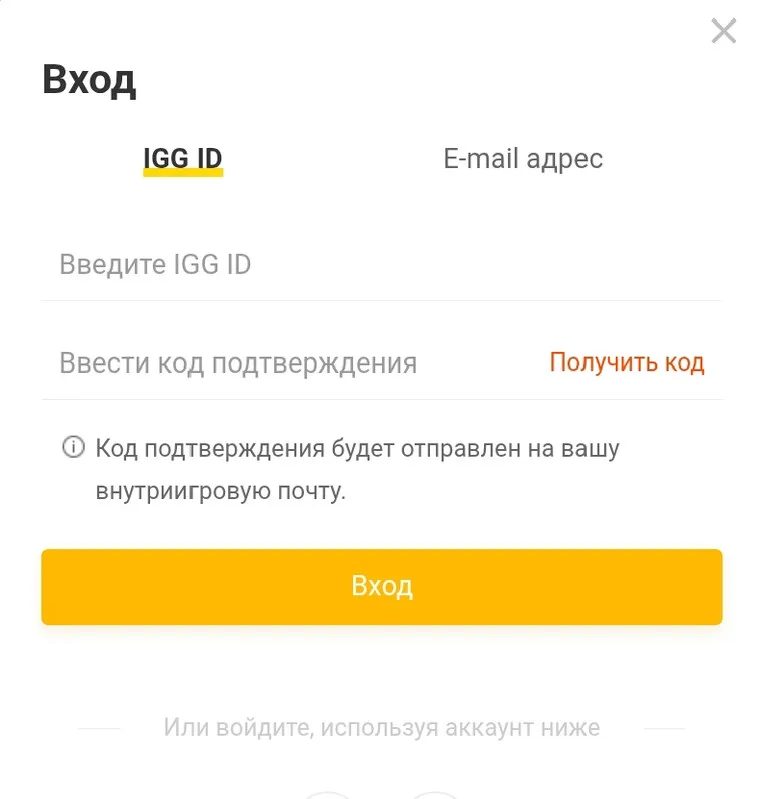
- Sign in with your IGG ID and the code delivered to in-game mail, or use a linked Google, Facebook, or email account.
- Verify the character name and IGG ID before paying.
Payment and coupons
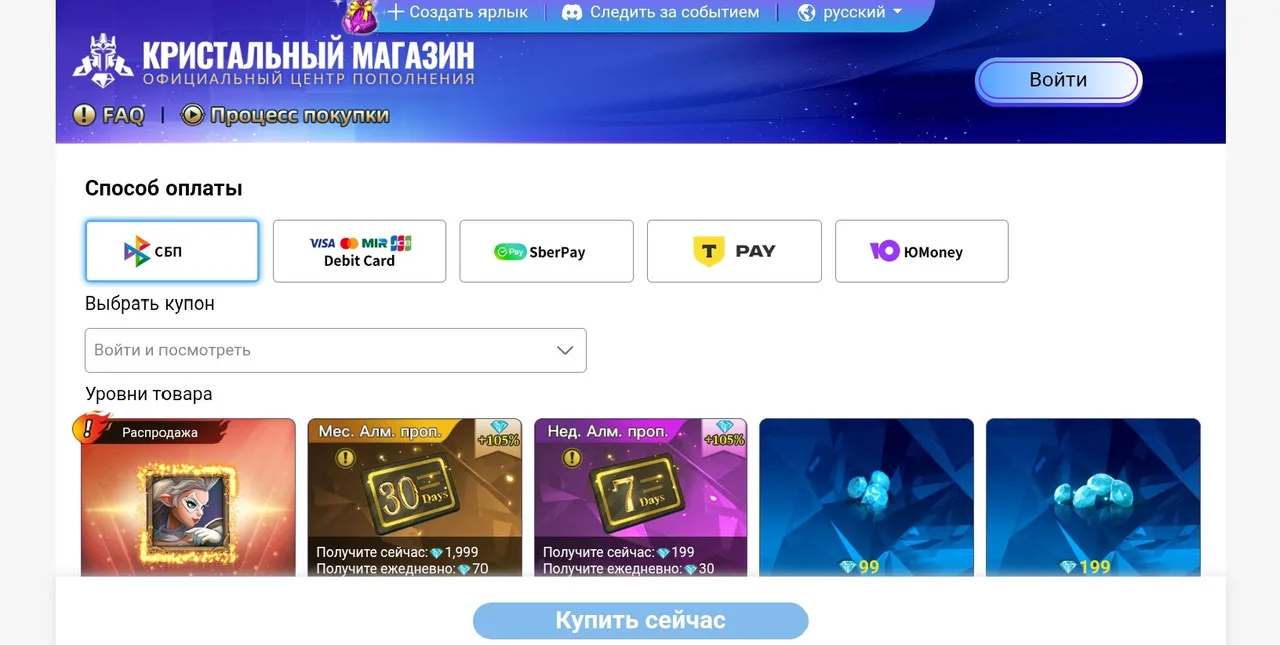
- Choose a payment method available in your region.
- Apply an eligible coupon before confirming the payment.
- A VPN may change the detected country and payment options, so verify the store region.
After purchase
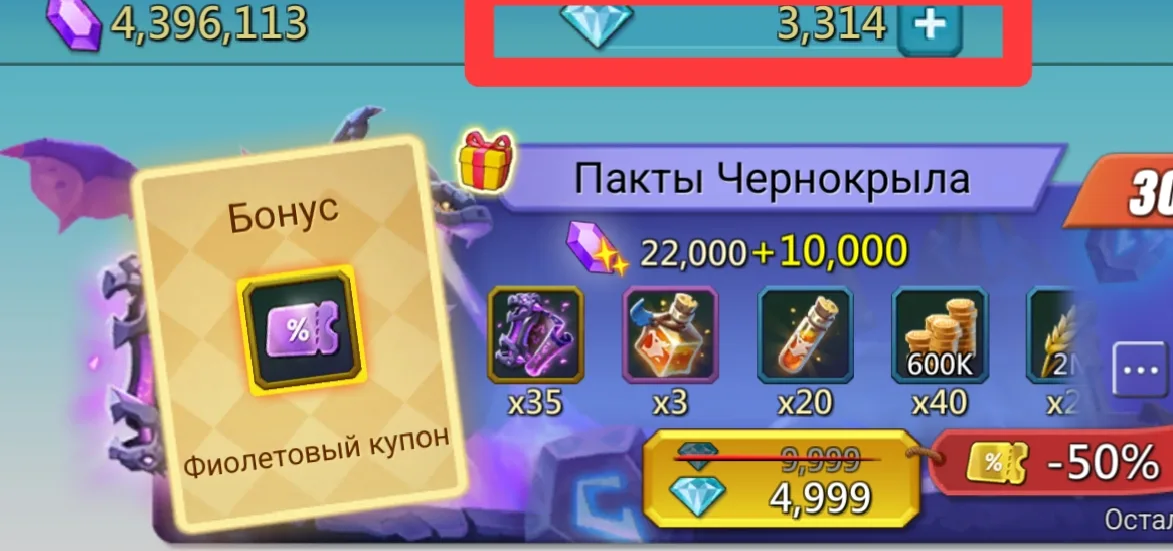
After a successful payment, Diamonds are credited to the account and can be exchanged for packs.
Important: Some subscriptions may require direct payment. Use the official Diamond version of the game where applicable, and never share a login code.
Guide images

Comments: 0
Discussion
There are no published comments yet.